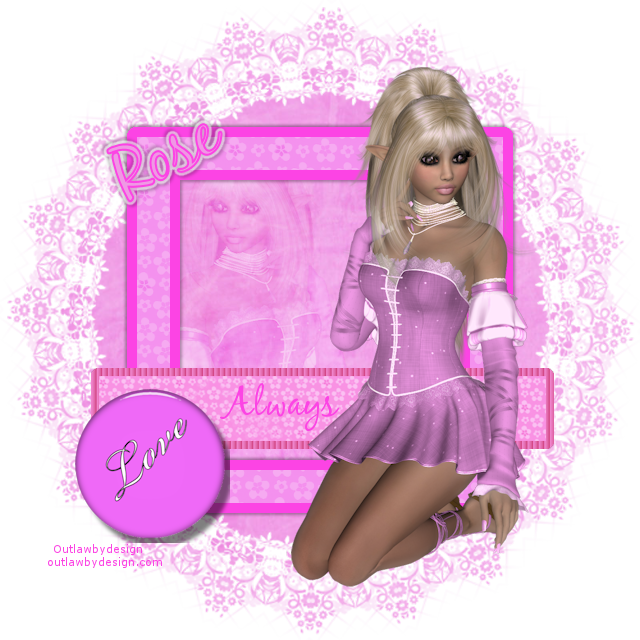
Tube Alan Stevens Here
Scrapkit Snowgirl by Amanda Kelleher Here
Mask 132 by Weescotslass Here
~~~~~~~~~~~~~~~~~~~~~~~~~
Outside Effects used
Eyecandy 4000 Gradient Glow
~~~~~~~~~~~~~~~~~~~~~~~~~~~~~~~
drop shadow settings:
vertical and horizontal: 1
opacity: 75
blur: 3
color: black
new 600x600
open ak_free_snowgirl(31)
change foreground to pattern chose the paper you just opened
settings:
angle: 0
scale:125
Load save mask/load mask from disk: wslmask132
merge group
open ak_free_snowgirl (20)
with magic wand select inside left frame
selections modify expand by 3
copy and paste paper ak_free_snowgirl (20) as a new layer
selections invert delete
drag layer below frame
do the same with the right side of the frame but use paper ak_free_snowgirl (29)
On ak_free_snowgirl (20) and ak_free_snowgirl (29)
effects/texture effects/blinds
these settings:
width: 3
opacity 47
color: #ffffff
horizontal: unchecked
light from left/top: checked
Open tubes
click inside right frame
selections/modify expand by 3
copy and paste 1st tube
selections invert delete
do the same for the left frame
drop shadow both tubes
add tubes again and resize and place
for now close these layers off
open ak_free_snowgirl(45) and place above frame layer
duplicate this layer
click on duplicated layer and merge down (this will make the ribbon less sheer)
with selection tool on rectangle draw small rectangles on the side of the frames (we will delete the excess ribbon)
hit delete after placing the rectangles
select none
open ak_free_snowgirl(12)
copy and paste as new layer above mask layer
resize 70%
free rotate 90 degrees and make sure right is checked and place (use my tag as reference)
eyecandy 4000 gradient glow with these settings
color tab
medium (use default color)